MVP launch checklist for non-technical founders
A step-by-step checklist to launch your MVP: accounts, security, payments, email, legal pages, analytics, support and the first week after launch.
Leer en español →
Before you launch an MVP, make sure five things are true: you own every account the app runs on, users can only see their own data, payments and emails work in live mode, you'll know when something breaks, and people have a way to reach you. Everything else (polish, extra features, a perfect design) can wait for version two.
This checklist is written for founders who didn't write the code themselves, including apps built with Lovable, Bolt, Replit or a freelancer. Work through it a week or two before launch, not the night before.
Do you own everything the app runs on?
Launching on accounts you don't control is one of the most common risks in early products, and it's invisible until something goes wrong.
- The code is in a repository owned by your company account, and you can log in to it.
- The domain is registered in your name or your company's, with auto-renew on.
- Hosting, database, email provider and payment accounts are in your name, with your email.
- At least two people can access each critical account, and two-factor authentication is on.
- Anyone who helped build the app has signed an agreement assigning the code to you. Our overview of who owns AI-made code explains why this matters.
Is user data protected?
- Create two test accounts and confirm that account A cannot see or edit anything that belongs to account B, including by changing an ID in the URL.
- If you use Supabase, Row Level Security is enabled on every table that holds user data, with policies that match who should see what.
- No secret keys (service role keys, Stripe secret keys, OpenAI keys) are in the frontend code.
- Admin screens require an admin role checked on the server, not just a hidden link.
- Backups are on and you know how to restore one.
Do the main flows work in production?
Test on the real domain, not the preview, on both a phone and a desktop.
- Sign up with a new email address, confirm it and log in.
- Reset the password and log in with the new one.
- Complete the main action your app exists for, start to finish.
- Log out, log back in and check the data is still there.
- Try it in a private window and in a second browser.
Payments
- Stripe (or your provider) is in live mode, with live keys in production and test keys only in test environments.
- The webhook points to the production URL and its signing secret is the live one.
- Make one real purchase with your own card, confirm access is granted, then refund it. Stripe's go-live checklist is worth reading in full.
- Sign-up, password reset and receipts arrive, and don't land in spam.
- Emails come from your own domain, with SPF, DKIM and DMARC records set up. See why app emails go to spam.
Will you know when something breaks?
- Error tracking is installed, so frontend and backend errors reach you with details.
- An uptime monitor checks the site and alerts you by email or message.
- You know where to read your hosting and database logs.
- You've written down what to do if the site goes down: who to call, how to roll back.
Are the basics for users and the law in place?
- A privacy policy and terms of service that describe what your app actually does and collects. Templates are a start, but they need to match your app; a lawyer can check them.
- A cookie banner or consent flow, if your audience and analytics tools require one.
- A visible way to contact you, and a way for users to delete their account or ask for their data.
- Page titles, descriptions and a social sharing image, so links look right when shared.
Can you measure whether it's working?
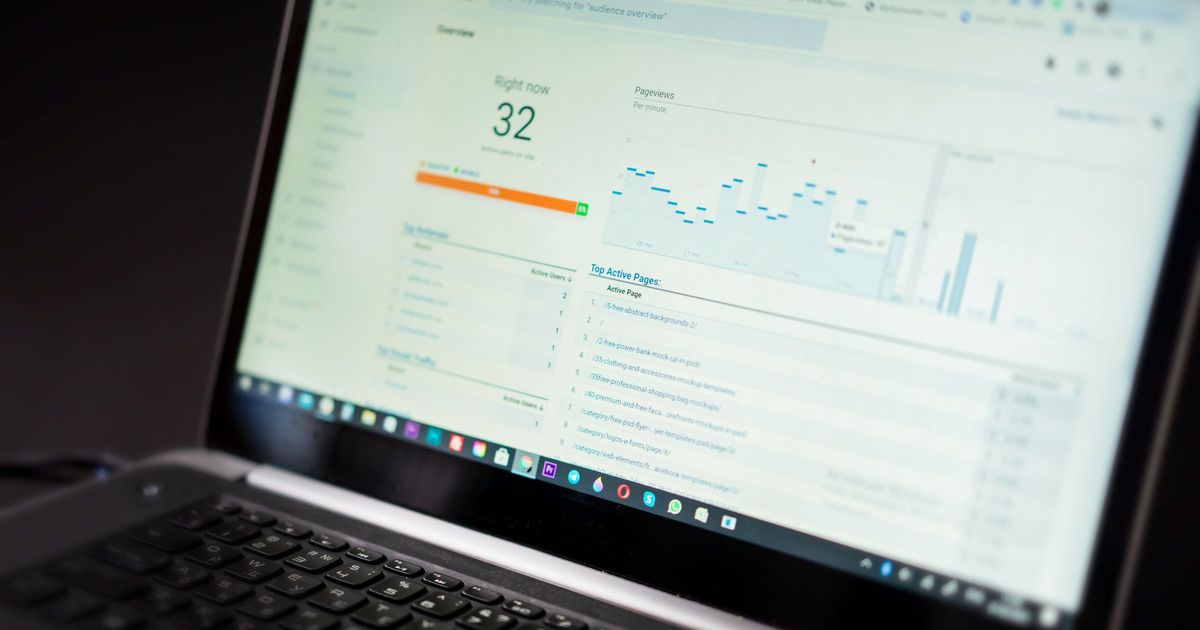
Decide before launch what success looks like for the first month, such as sign-ups, activated users or paid conversions, then set up only what you need to measure it:
- Analytics on the key pages and events (sign-up, first key action, purchase).
- A simple way to collect feedback: a form, an email address or a short in-app survey.
- A spreadsheet or dashboard you'll look at weekly.
What should you do in the first week after launch?
- Watch the errors daily. The first real users find problems no test did.
- Talk to early users. Five conversations teach you more than any dashboard.
- Fix before you build. Hold new features until the launch bugs are under control.
- Write down every problem in one list, with how often it happens. That becomes your roadmap. If you need a format, use our guide on writing a bug report a developer can act on.
Quick answers
Do I need a perfect design to launch? No. You need the main flow to work, data to be safe and a way to hear from users.
Should I run a beta first? Usually yes, even a small one. See beta testing your app with real users.
What's the one thing people forget? Account ownership. It is easy to discover at launch that the domain or database is in someone else's name.
How long before launch should I start this list? One to two weeks gives you time to fix what it uncovers.
Want a second pair of eyes before launch?
Run the free App Health Check on your production URL to catch what's visible from outside. If you'd like help shipping the first version or keeping it healthy after launch, see MVP development and maintenance and support, or contact us.